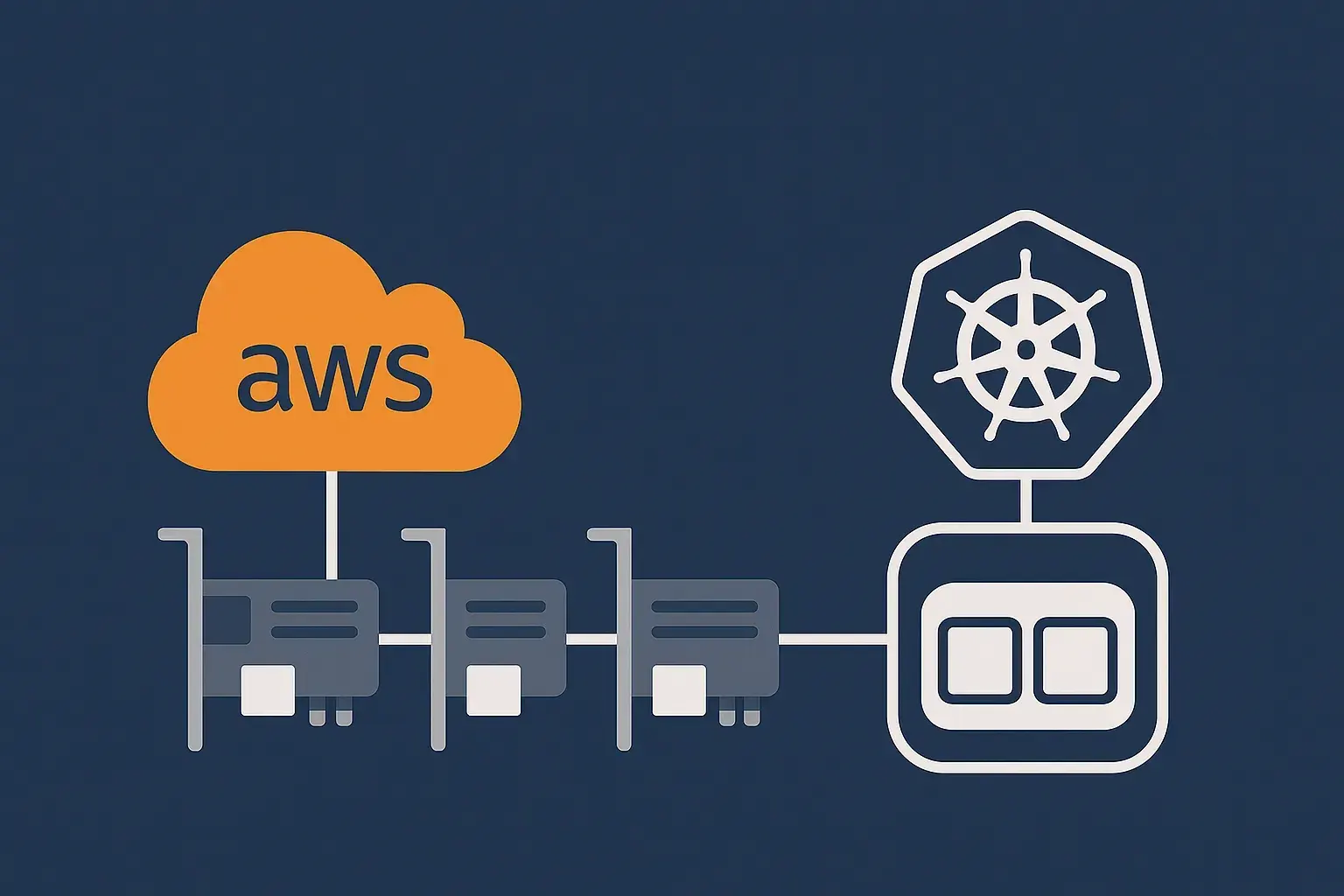
Telco workloads on Kubernetes have a recurring problem: Cloud Native Functions (CNFs) usually need multiple network interfaces, and the default single-interface-per-pod model doesn’t fit. Multus CNI solves the pod side, but on AWS you still have to get the underlying ENIs onto the right nodes — which is where things get awkward.
This post walks through the AWS Multi-ENI Controller, a Kubernetes controller I built to handle that gap on EKS.
Table of contents
Open Table of contents
Why Multiple Network Interfaces Matter for Telco CNFs
Telecommunications workloads have networking requirements that don’t map cleanly onto typical cloud-native applications:
- Control plane and user plane separation — required for 5G core functions like UPF (User Plane Function)
- Management network isolation — separate networks for OAM
- Multi-tenant network segmentation — isolated networks per slice or customer
- High-performance data plane — DPDK-enabled interfaces for packet-intensive workloads
- Regulatory compliance — network isolation between traffic types
A single pod interface can’t cover these. Multus CNI lets a pod attach to multiple networks, but those interfaces have to exist on the node first.

The Challenge: Dynamic ENI Management
Multus solves the multi-interface problem at the pod level, but it leaves the node-level question open: how do you provision and attach ENIs to EC2 instances on demand?
The traditional answer involves:
- CloudFormation templates
- Custom userdata scripts
- Manual ENI provisioning
- Static infrastructure configurations
The AWS Multi-ENI Controller replaces that with a declarative, Kubernetes-native API for ENI management.
Architecture Overview
The controller has two components:

1. NodeENI Controller
- Watches NodeENI custom resources
- Creates ENIs in specified AWS subnets
- Attaches ENIs to matching nodes
- Manages ENI lifecycle and cleanup
2. ENI Manager DaemonSet
- Runs on nodes with matching labels
- Brings up secondary network interfaces
- Configures MTU and interface settings
- Handles DPDK binding for high-performance workloads
Three Primary Use Cases
The controller supports three configurations, each suited to different CNF requirements.
Case 1: Regular ENI Attachment (Basic Multi-Network)
For CNFs that need network isolation but not high performance — typically control plane functions or management interfaces.
apiVersion: networking.k8s.aws/v1alpha1
kind: NodeENI
metadata:
  name: control-plane-eni
spec:
  nodeSelector:
    ng: multi-eni
  subnetID: subnet-0f59b4f14737be9ad
  securityGroupIDs:
  - sg-05da196f3314d4af8
  deviceIndex: 2
  mtu: 9001
  description: "Control plane network for CNF"
Case 2: SR-IOV Configuration (Performance + Flexibility)
For CNFs that need better-than-baseline performance but still want kernel-space networking. A reasonable compromise between throughput and compatibility.
apiVersion: networking.k8s.aws/v1alpha1
kind: NodeENI
metadata:
  name: user-plane-sriov-eni
spec:
  nodeSelector:
    ng: multi-eni
  subnetID: subnet-0f59b4f14737be9ad
  securityGroupIDs:
  - sg-05da196f3314d4af8
  deviceIndex: 3
  enableDPDK: false  # Use kernel driver
  dpdkPCIAddress: "0000:00:07.0"  # PCI address for SR-IOV config
  dpdkResourceName: "intel.com/sriov_kernel"
  mtu: 9001
Case 3: Full DPDK Integration (Maximum Performance)
For high-throughput CNFs like UPF that need userspace packet processing.
apiVersion: networking.k8s.aws/v1alpha1
kind: NodeENI
metadata:
  name: dpdk-user-plane-eni
spec:
  nodeSelector:
    ng: multi-eni
  subnetID: subnet-0f59b4f14737be9ad
  securityGroupIDs:
  - sg-05da196f3314d4af8
  deviceIndex: 4
  enableDPDK: true
  dpdkDriver: "vfio-pci"
  dpdkPCIAddress: "0000:00:08.0"
  dpdkResourceName: "intel.com/intel_sriov_netdevice"
  mtu: 9000
Real-World Implementation Example
Here’s how this comes together for a 5G UPF that needs both a control plane interface and a high-performance user plane interface.
Step 1: Deploy the AWS Multi-ENI Controller
Install via Helm:
helm install aws-multi-eni \
  oci://ghcr.io/johnlam90/charts/aws-multi-eni-controller \
  --version 1.3.5 \
  --namespace eni-controller-system \
  --create-namespace
Step 2: Label Your Nodes
The controller targets nodes by label:
kubectl label nodes ip-10-0-1-100.ec2.internal ng=multi-eni
kubectl label nodes ip-10-0-1-101.ec2.internal ng=multi-eni
Step 3: Create NodeENI Resources
Two NodeENI resources for the UPF — one for control plane, one for user plane with DPDK:
# Control plane network
apiVersion: networking.k8s.aws/v1alpha1
kind: NodeENI
metadata:
  name: upf-control-plane
spec:
  nodeSelector:
    ng: multi-eni
  subnetID: subnet-0a1b2c3d4e5f6g7h8  # Control plane subnet
  securityGroupIDs:
  - sg-0123456789abcdef0
  deviceIndex: 2
  mtu: 1500
  description: "UPF Control Plane Network"
---
# User plane network with DPDK
apiVersion: networking.k8s.aws/v1alpha1
kind: NodeENI
metadata:
  name: upf-user-plane-dpdk
spec:
  nodeSelector:
    ng: multi-eni
  subnetID: subnet-9i8h7g6f5e4d3c2b1  # User plane subnet
  securityGroupIDs:
  - sg-fedcba9876543210f
  deviceIndex: 3
  enableDPDK: true
  dpdkDriver: "vfio-pci"
  dpdkResourceName: "intel.com/upf_dataplane"
  mtu: 9000
  description: "UPF User Plane DPDK Network"
Step 4: Create NetworkAttachmentDefinitions
# Control plane network attachment
apiVersion: k8s.cni.cncf.io/v1
kind: NetworkAttachmentDefinition
metadata:
  name: upf-control-net
  namespace: telco-cnf
spec:
  config: '{
    "cniVersion": "0.3.1",
    "type": "ipvlan",
    "master": "eth2",
    "mode": "l2",
    "ipam": {
      "type": "host-local",
      "subnet": "10.1.0.0/24",
      "rangeStart": "10.1.0.100",
      "rangeEnd": "10.1.0.200"
    }
  }'
---
# User plane DPDK network attachment
apiVersion: k8s.cni.cncf.io/v1
kind: NetworkAttachmentDefinition
metadata:
  name: upf-dataplane-net
  namespace: telco-cnf
spec:
  config: '{
    "cniVersion": "0.3.1",
    "type": "host-device",
    "device": "0000:00:08.0",
    "ipam": {
      "type": "host-local",
      "subnet": "192.168.100.0/24",
      "rangeStart": "192.168.100.10",
      "rangeEnd": "192.168.100.50"
    }
  }'
Step 5: Deploy the UPF CNF
apiVersion: apps/v1
kind: Deployment
metadata:
  name: upf-cnf
  namespace: telco-cnf
spec:
  replicas: 2
  selector:
    matchLabels:
      app: upf-cnf
  template:
    metadata:
      labels:
        app: upf-cnf
      annotations:
        k8s.v1.cni.cncf.io/networks: |
          [
            {
              "name": "upf-control-net",
              "interface": "control0"
            },
            {
              "name": "upf-dataplane-net",
              "interface": "dataplane0"
            }
          ]
    spec:
      containers:
      - name: upf
        image: telco/upf-cnf:latest
        resources:
          limits:
            intel.com/upf_dataplane: 1  # Request DPDK resource
            memory: "4Gi"
            cpu: "2"
          requests:
            memory: "2Gi"
            cpu: "1"
        securityContext:
          privileged: true  # Required for DPDK
        env:
        - name: CONTROL_INTERFACE
          value: "control0"
        - name: DATAPLANE_INTERFACE
          value: "dataplane0"
Verification and Monitoring
A few checks to confirm everything is wired up correctly.
Check NodeENI Status
kubectl get nodeenis -o wideExpected output:
NAME                   NODE                           ENI-ID              SUBNET-ID              STATUS
upf-control-plane      ip-10-0-1-100.ec2.internal   eni-0123456789abc    subnet-0a1b2c3d4e5f    Attached
upf-user-plane-dpdk    ip-10-0-1-100.ec2.internal   eni-0987654321def    subnet-9i8h7g6f5e4d    Attached
Verify Interface Configuration
# Check interfaces on the node
kubectl exec -it eni-manager-xxxxx -n eni-controller-system -- ip link show

# Check DPDK binding status
kubectl exec -it eni-manager-xxxxx -n eni-controller-system -- /opt/dpdk/dpdk-devbind.py --status
Monitor Pod Network Interfaces
kubectl exec -it upf-cnf-xxxxx -n telco-cnf -- ip addr showExpected output showing multiple interfaces:
1: lo: <LOOPBACK,UP,LOWER_UP> mtu 65536
2: eth0@if123: <BROADCAST,MULTICAST,UP,LOWER_UP> mtu 1500  # Primary interface
3: control0@if124: <BROADCAST,MULTICAST,UP,LOWER_UP> mtu 1500  # Control plane
4: dataplane0: <BROADCAST,MULTICAST,UP,LOWER_UP> mtu 9000  # DPDK interface
What This Buys You
Simplified operations
- Declarative configuration through Kubernetes CRDs
- No infrastructure templates to maintain
- Automatic ENI lifecycle management
Security
- Network isolation between control and user planes
- Security group enforcement at the ENI level
- Aligns with telco security requirements
Performance
- DPDK support for high-throughput workloads
- Configurable MTU for jumbo frames
- SR-IOV for improved I/O performance
Scalability
- ENI provisioning driven by node labels
- Multiple subnets and availability zones
- Tunable concurrency for large deployments
Cloud-native integration
- Standard Kubernetes operator pattern
- Helm-based install
- Drops into existing CI/CD pipelines
Production Notes
A few things worth knowing before running this in production.
Resource Planning
# Configure controller concurrency for scale
controller:
  maxConcurrentReconciles: 10
  maxConcurrentENICleanup: 5
Network Design
- Use separate subnets per traffic type
- Allocate device indices consistently across nodes
- Match MTU to your workload requirements
Security Configuration
- Per-network-type security groups
- Least-privilege IAM policies
- VPC Flow Logs for monitoring
Monitoring and Observability
# Monitor controller events
kubectl get events -n eni-controller-system

# Check ENI attachment status
kubectl describe nodeeni upf-control-plane
Conclusion
The AWS Multi-ENI Controller takes the manual, template-heavy work of getting ENIs onto EKS nodes and turns it into a Kubernetes resource. For 5G core functions, edge workloads, or anything else that needs multiple interfaces per pod, that’s the awkward piece Multus alone doesn’t cover.
If you’re running into the same problem, the source is on GitHub. Issues and feedback welcome — you can also reach me on LinkedIn.